
You run the product.We run the engineering.
You create and prioritize tickets. Our AI-powered software factory plans, builds, and tests the work, with senior engineers reviewing both the plan and the result. You try it in preview and decide what ships.
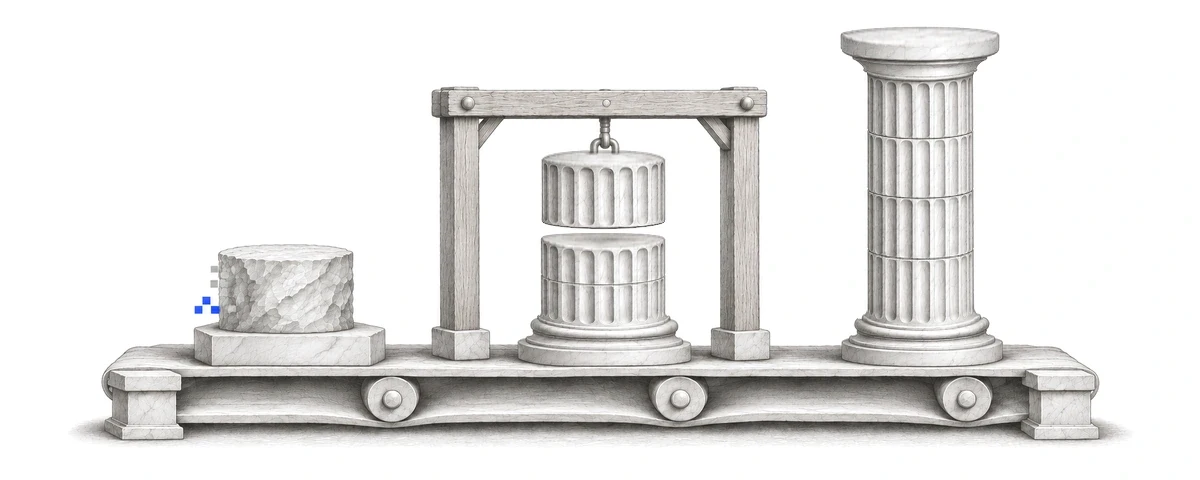
How we work
From a request
to a release.
You create the ticket.
Describe the feature, fix, or improvement you want, why it matters, and what a successful result looks like. Add examples where helpful, then set its priority.
The factory plans.
The factory maps out the changes and tests needed to reach your goal. A senior engineer checks the approach, weighs technical trade-offs, and approves or adjusts the plan before the build starts.
Engineering gateThe factory builds.
The factory implements the approved plan and runs tests autonomously, checking the requested behavior and looking for regressions.
An engineer reviews.
A senior engineer reviews the code, tests, compatibility, and security, and sends back anything that needs more work. Once approved, the factory deploys the change to your preview environment.
Engineering gateYou decide what’s next.
Try the change in preview against the outcome you asked for. Accept it and move it to the next environment, or request changes. Your feedback goes through the same planning, build, and engineering review process.
Comparison
Three ways to build
your product.
| Responsibility | In-house team | Self-managed AI tools | Automaze Works |
|---|---|---|---|
| Your role | Set priorities and manage your engineering team | Define tasks, direct the tools, and evaluate their output | Create tickets, review previews, and decide what ships |
| Technical planning | Your engineers define the approach | AI proposes an approach for you to evaluate and steer | Factory plans with senior engineering guidance and approval |
| Engineering setup | Your team establishes and maintains the delivery workflow | You connect the tools and manage the workflow | We configure and operate the factory for your product |
| Technical sign-off | Your engineering review process | You review or arrange an engineer | Senior engineer reviews the result |
| Preview and release | Your team manages previews and releases | You choose how to preview and release | Factory deploys to preview. You accept, release, or request changes |
Automaze Works
- Your role
- Create tickets, review previews, and decide what ships
- Technical planning
- Factory plans with senior engineering guidance and approval
- Engineering setup
- We configure and operate the factory for your product
- Technical sign-off
- Senior engineer reviews the result
- Preview and release
- Factory deploys to preview. You accept, release, or request changes
In-house team
- Your role
- Set priorities and manage your engineering team
- Technical planning
- Your engineers define the approach
- Engineering setup
- Your team establishes and maintains the delivery workflow
- Technical sign-off
- Your engineering review process
- Preview and release
- Your team manages previews and releases
Self-managed AI tools
- Your role
- Define tasks, direct the tools, and evaluate their output
- Technical planning
- AI proposes an approach for you to evaluate and steer
- Engineering setup
- You connect the tools and manage the workflow
- Technical sign-off
- You review or arrange an engineer
- Preview and release
- You choose how to preview and release
What you receive
Before and after
you ship.
01 / Try it
A working preview.
Try the change in a live environment and check it against your request.
02 / See what changed
A demo video.
A short walkthrough of what changed and how it works, ready to share with your team.
03 / Understand the review
A written engineering review.
A senior engineer’s assessment of the code, tests, compatibility, security, and release readiness.
Production monitoring
Meet Ladybug.
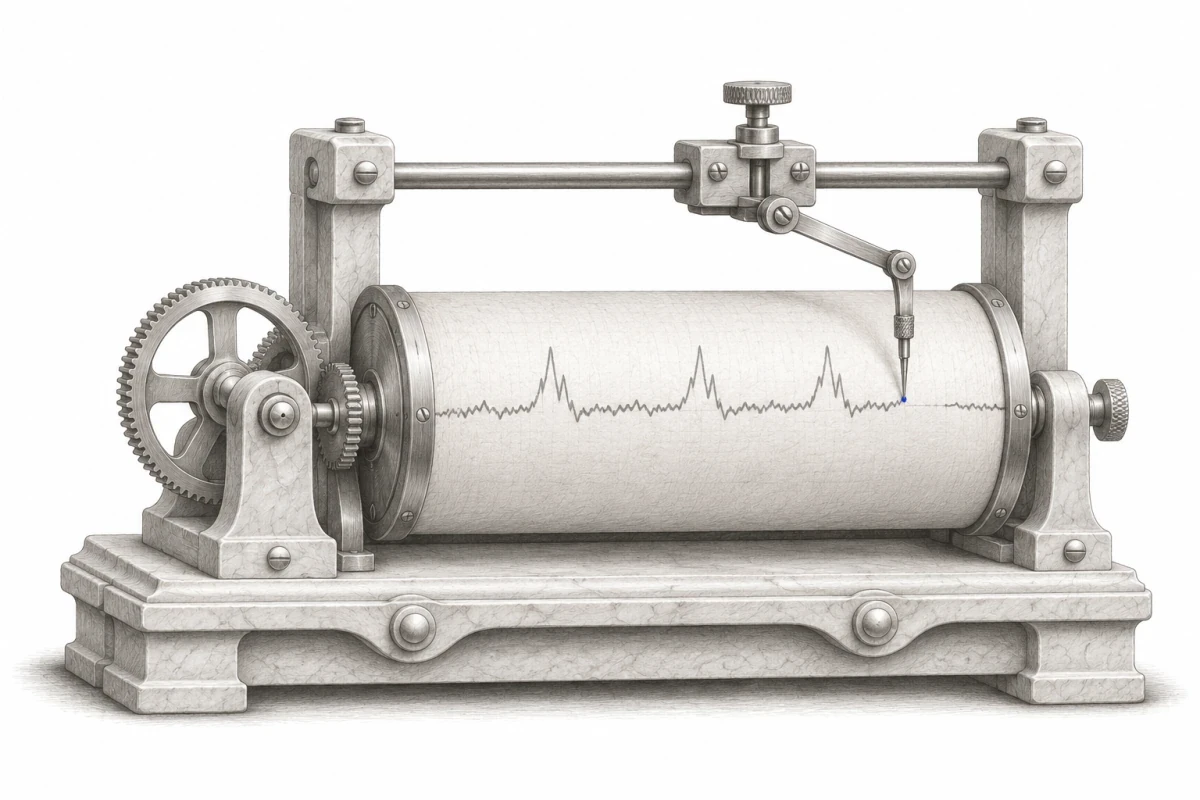
Ladybug is an automated bug investigator included with Automaze Works. It watches your live product for errors and groups reports of the same failure. When a problem keeps coming back, Ladybug can investigate the cause and propose a fix with tests.
Working together
A rhythm that fits
your product.
Steady
$980/ month
Keep a live product maintained with fixes, security updates, and small changes.
- Tickets completed
- About 15 per month
- CTO advisory calls
- $250 per hour.
Focused
$2,780/ month
Work through a steady backlog of features and improvements.
- Tickets completed
- About 40 per month
- CTO advisory calls
- One call every two weeks.Additional calls are $250 per hour.
Active
$4,870/ month
Build an MVP or ship frequent changes to a product that’s evolving quickly.
- Tickets completed
- About 80 per month
- CTO advisory calls
- One call every week.Additional calls are $250 per hour.
Initial setup is scoped and priced separately. See what onboarding involves.
What counts as a ticket?
A ticket covers one scoped, testable change, such as fixing a bug or adding an integration step. We split larger requests into smaller tickets. All plans are subject to fair use.
Onboarding
Before your monthly
plan starts.
Before the first ticket, we need a reliable way to build, test, and release changes. For a new product, we choose the architecture and set up the repository and development environment. For a working prototype, we review the code and dependencies and close gaps in testing and deployment before launch. For an existing product, we trace how changes reach users today and document the technical decisions and constraints future releases need to respect.
What’s ready after setup
- Code and context
- The codebase and key technical decisions documented, so new work starts with an understanding of the product.
- Tests and deployment
- A test baseline and a repeatable path from development to release.
- Preview and promotion
- A working preview environment and a path for you to promote accepted changes.
- Production monitoring
- Ladybug configured for supported errors, with the context needed to investigate them.
Setup fee
We scope setup separately. For an existing product in reasonable shape, it typically starts at $5,000.
Monthly billing starts once your product is ready for delivery.
FAQ
Frequently asked
questions.
Do I need to write a technical spec?
No. Tell us what you want someone to be able to do and how you’ll know it works. For a bug, describe what happened and what you expected instead. We work out the technical approach.
Does one ticket mean one feature?
Sometimes. A small feature can fit in one ticket. If it has several parts, we split it into changes you can try separately. The monthly plan figures describe typical tickets completed, not a guaranteed number of features.
Can we start with a product that already has users?
Yes. We start with your existing code and learn how you release changes today. During onboarding we set up a preview environment so you can try new work without changing what your users see.
What if a change doesn’t look right in preview?
Tell us what needs to change. We take that feedback through another build and engineering review, then give you an updated preview. You decide when the change goes live.
Does Ladybug fix every production error?
No. Ladybug groups reports of the same failure and investigates recurring issues it supports. When it finds a fix, it proposes the change with tests. It doesn’t deploy fixes on its own.
Get started
Let’s talk about
your product.
Tell us what you’re building and what needs to happen next. We’ll help you choose a starting point.
Discuss Automaze Works